
Time Duration Calculator
Work out the time between two times, with an optional break.
Enter your details and press Calculate to see your result.
A Time Duration Calculator tells you how much time passes between a start time and an end time, so you don’t have to count hours and minutes in your head. If you’re figuring out a timesheet, a workout, a flight or how long a task took, the math gets messy fast when you cross noon, midnight or a 12-hour clock.
What a Time Duration Calculator Does
This tool finds the elapsed time between a start time and an end time. You enter when something began and when it finished, and it returns the gap in hours and minutes. People rely on it to total work hours for a paycheck, track how long a project took, or figure out how many hours a flight or road trip will last. It removes the mental math, especially when the time crosses noon, midnight or a change in AM and PM.
How to Calculate Time Duration by Hand
Calculating time duration by hand comes down to subtracting the start time from the end time. Work in hours and minutes separately, then borrow an hour when the minutes go negative. The 12-hour clock (with AM and PM) and the 24-hour clock both work the same way once you convert them to a common format.
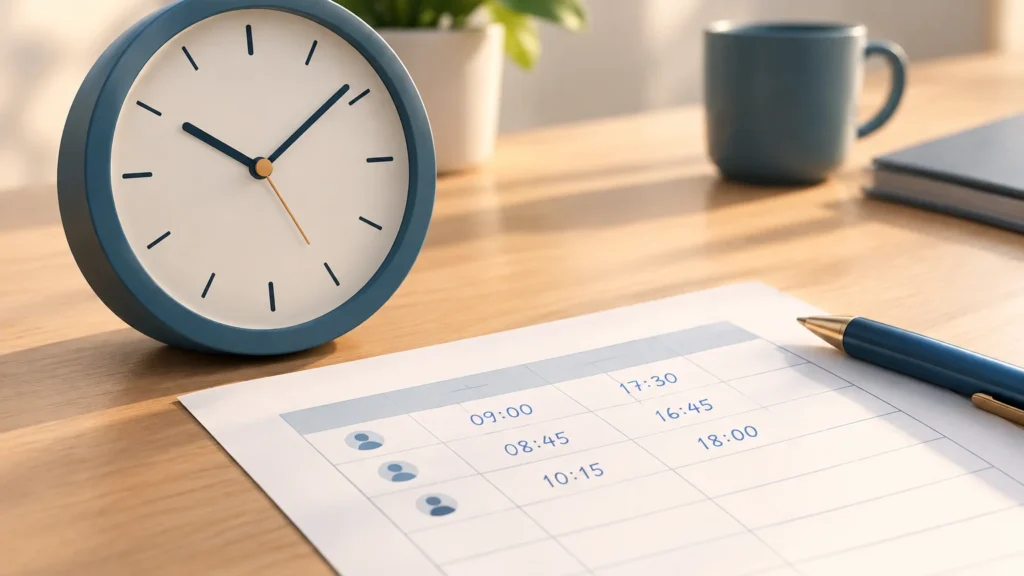
- Write down both times. Put the start time and end time in the same format, such as 9:15 AM and 4:45 PM.
- Convert to 24-hour time. Add 12 to any PM time (except 12 PM), so 4:45 PM becomes 16:45.
- Subtract the minutes first. If the end minutes are smaller, borrow 60 from the hours. For 16:45 minus 9:15, 45 minus 15 gives 30 minutes.
- Subtract the hours. 16 minus 9 gives 7 hours, so the duration is 7 hours and 30 minutes.
Time Duration Examples and Common Cases
Most duration problems fall into a few familiar patterns. Seeing them side by side makes the method easier to apply to your own times.
| Scenario | Start | End | Break | Duration |
|---|---|---|---|---|
| Standard workday | 9:00 AM | 5:00 PM | None | 8 hours |
| Workday with a 30-minute break | 9:00 AM | 5:00 PM | 30 minutes | 7 hours 30 minutes |
| Overnight shift | 10:00 PM | 6:00 AM | None | 8 hours |
For overnight shifts, add 24 hours to the end time before subtracting. Break time is usually deducted from the total, and your employer’s policy sets the exact rule.
Tips for Accurate Results Across Spreadsheets and Apps
Most duration errors come from time zones, daylight saving changes, or formats that a tool reads differently than you expect. Check those first when a result looks off. If your start and end times fall in different zones, convert both to the same zone before subtracting. A time that crosses a daylight saving change can also shift by an hour, so confirm the dates and zones with an official source when precision matters.
In a spreadsheet, subtract the start from the end, then format the result as elapsed time (usually shown as [h]:mm) so totals above 24 hours don’t roll over. For overnight shifts, add 1 to the end time if it falls on the next day. Always check that your totals add up by spot-checking a few rows.
- Use one time zone for every entry.
- Format results as [h]:mm for totals over 24 hours.
- Add a day to overnight end times.
- Verify totals by adding a few rows manually.
Key Takeaways
- This tool finds the elapsed time between a start and an end time, usually shown in hours and minutes.
- Subtract the start time from the end time, and add 24 hours when the period crosses midnight.
- Convert minutes to decimal hours when you need to multiply by an hourly rate on a timesheet.
- Check your 12-hour versus 24-hour clock format and your AM and PM labels before you trust the result.
Frequently Asked Questions About Time Duration Calculator
What is Time Duration Calculator?
This tool is a calculator that finds how much time passes between two points, such as a start time and an end time. It returns the answer in hours and minutes, which is useful for timesheets, schedules, study sessions and travel planning.
How does Time Duration Calculator work?
You enter a start time and an end time. The tool subtracts the start from the end, and if the end falls earlier on the clock, it adds 24 hours to handle a period that runs past midnight. The result is the elapsed time in hours and minutes.
Is Time Duration Calculator worth it?
For most people, yes, because it removes the small arithmetic errors that happen when you borrow minutes by hand. It is especially helpful for overnight shifts and for totals across several days. For a one-off simple gap, mental math can be just as quick.
What should I know before trying Time Duration Calculator?
Confirm whether your times use a 12-hour clock with AM and PM or a 24-hour clock. Make sure the date is correct for overnight periods. If you need decimal hours for pay, check how your employer rounds minutes, and confirm details with your payroll policy.
How do you calculate time duration across midnight?
To find elapsed time across midnight, subtract the start time from the end time and add 24 hours if the result is negative. For example, 10:00 PM to 2:00 AM gives 4 hours. Many calculators and spreadsheets handle this automatically, but it is worth checking the result manually, especially when formatting cells or working with time zones that observe daylight saving time.
References & Further Reading
- Time and Date – Time and Date AS
- NIST Time and Frequency Division – National Institute of Standards and Technology
- U.S. Department of Labor – U.S. Department of Labor
About This Article
This guide was written with AI assistance from publicly available information. Prices, nutrition values and availability can change, so confirm important details with the official source before you decide.
Pingback: GPA Calculator: Free Tool to Find Your GPA
Pingback: Days Between Dates Calculator: Free Tool