
Discount Calculator
Find the final price and your savings after a discount.
Enter your details and press Calculate to see your result.
A Discount Calculator tells you the sale price of an item in seconds, so you know exactly what you will pay before you reach the register. Most shoppers guess at percentage math while standing in an aisle, and that guess is often off by a few dollars. This guide shows you how to find any sale price quickly and avoid that surprise.
How to Calculate a Discount by Hand
Figuring out a discount on paper is easier than most people expect. You need just two numbers: the original price and the discount rate. Multiply the original price by the discount rate to get the dollar amount saved, then subtract that amount from the original price to get the sale price. For example, a $80 jacket with 25% off saves $80 × 0.25 = $20, so the sale price is $80 − $20 = $60.
- Convert the percentage. Divide the discount percentage by 100, so 25% becomes 0.25.
- Find the savings. Multiply the original price by that decimal to get the dollar discount.
- Subtract to get the sale price. Take the original price and subtract the savings.
Using a Discount Calculator Step by Step
A discount calculator takes two numbers and does the math for you: the original price and the percentage off. It returns the sale price and how much you save. Most tools work the same way, so once you learn the steps, you can use almost any version you find online.
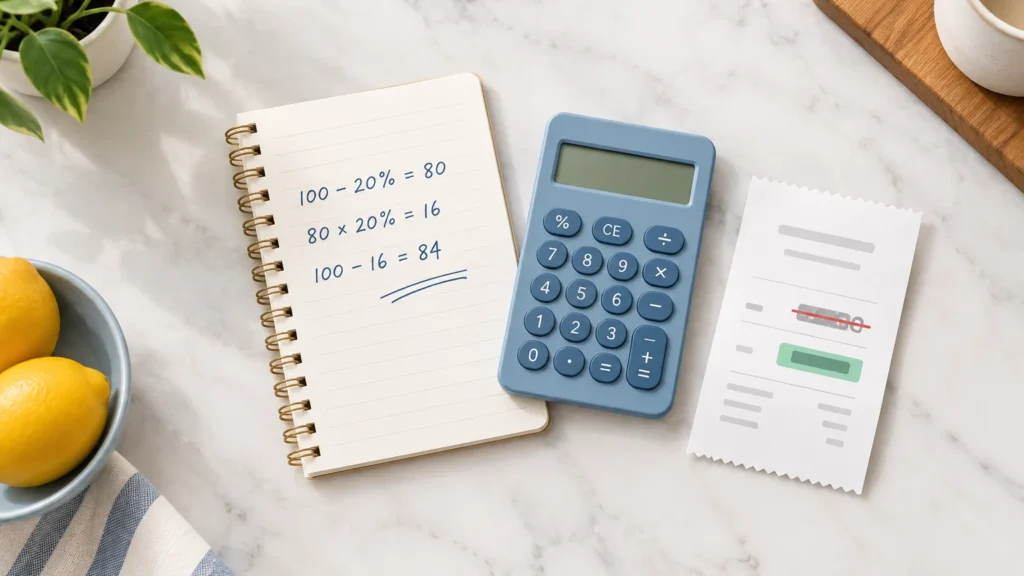
- Enter the original price. Type the full price shown on the tag or listing, before any discount, in the first box.
- Enter the discount percentage. Type the percent off, such as 25 for 25% off, into the discount field.
- Read the sale price. The calculator shows what you will pay after the reduction.
- Check your total savings. Note the dollar amount you keep, which is the original price minus the sale price.
Discount Examples at Common Percentages
Seeing real numbers makes discounts click. Take a few common starting prices and apply the usual sale percentages. The math stays simple: multiply the original price by the discount rate, then subtract that amount from the original price.
| Original Price | 10% Off | 20% Off | 25% Off | 50% Off |
|---|---|---|---|---|
| $20.00 | $18.00 | $16.00 | $15.00 | $10.00 |
| $50.00 | $45.00 | $40.00 | $37.50 | $25.00 |
| $120.00 | $108.00 | $96.00 | $90.00 | $60.00 |
Notice that 50 percent off always cuts the price in half, and 10 percent off just moves the decimal point one place to the left and subtracts it. Shelf prices before tax are the figures shown here, and final totals depend on your local sales tax.
Tips for Stacking Discounts and Adding Sales Tax
Stacked discounts don’t simply add up. Apply each percentage to the price that’s left after the previous one. A store markdown of 30% followed by a 10% coupon lands below a flat 40% off, because the coupon takes 10% of the already-reduced price.
Sales tax comes last. Most U.S. states add it to the discounted price, and the rate varies by state and often by city or county. Check your local rate with the store or your state’s revenue department before you budget.
- Subtract store markdowns first, then apply coupon codes to the lower price.
- Check whether a coupon code excludes sale items, which can change the math.
- Add sales tax to the final discounted price, not the original.
Key Takeaways
- A discount is simply the original price times the percentage off, and the sale price is what remains after you subtract it.
- Working the math by hand is easy with a quick formula, and a Discount Calculator does the same job in seconds.
- Stacked discounts and sales tax change the final total, so always add tax last and apply coupons in the order the store uses.
- Confirm the final price at checkout, since store rules and tax rates vary by location.
Frequently Asked Questions About Discount Calculator
What is Discount Calculator?
A Discount Calculator is a simple tool that figures out how much you save and what you pay after a percentage off. You enter the original price and the discount percentage, and it returns the sale price. Many versions also show the dollar amount saved, which helps when you compare deals.
How does Discount Calculator work?
It multiplies the original price by the discount percentage to find the savings, then subtracts that amount from the original price. For example, $80 at 25 percent off saves $20, leaving a sale price of $60. The tool runs this math instantly so you do not have to work it out yourself.
Is Discount Calculator worth it?
For most shoppers it is worth using, especially during busy sales like Black Friday when several discounts overlap. It prevents mental math mistakes and helps you compare offers quickly. It is free and takes only seconds, so it fits easily into any shopping routine.
What should I know before trying Discount Calculator?
Know whether the discount applies before or after sales tax, and whether coupons stack. Have the original price and the exact percentage ready. Remember that the calculator shows an estimate, so confirm the final total at checkout, where tax rates typically vary by state and city.
How do I calculate a discount if I'm given a percentage off and the original price?
Multiply the original price by the discount percentage, converted to a decimal (for example, 25% becomes 0.25), then subtract that amount from the original price. For a $80 item at 25% off, the discount is $20 and the sale price is $60. Sales tax is usually applied after the discount, so check your state and local rates on the official tax authority site.
References & Further Reading
- IRS – Internal Revenue Service
- USA.gov – U.S. General Services Administration
- Consumer Financial Protection Bureau – Consumer Financial Protection Bureau
About This Article
This guide was written with AI assistance from publicly available information. Prices, nutrition values and availability can change, so confirm important details with the official source before you decide.
Pingback: Income Tax Calculator for US Taxpayers | Estimate Your Tax
Pingback: Percentage Calculator: Free Online Tool
Pingback: Percentage Change Calculator: Free & Easy Tool